Create immersive 3D audio. No DAW required.
Move sounds around a 360° space, edit to video and shape a spatial mix in one visual workspace. Designed for creators, not just audio engineers.
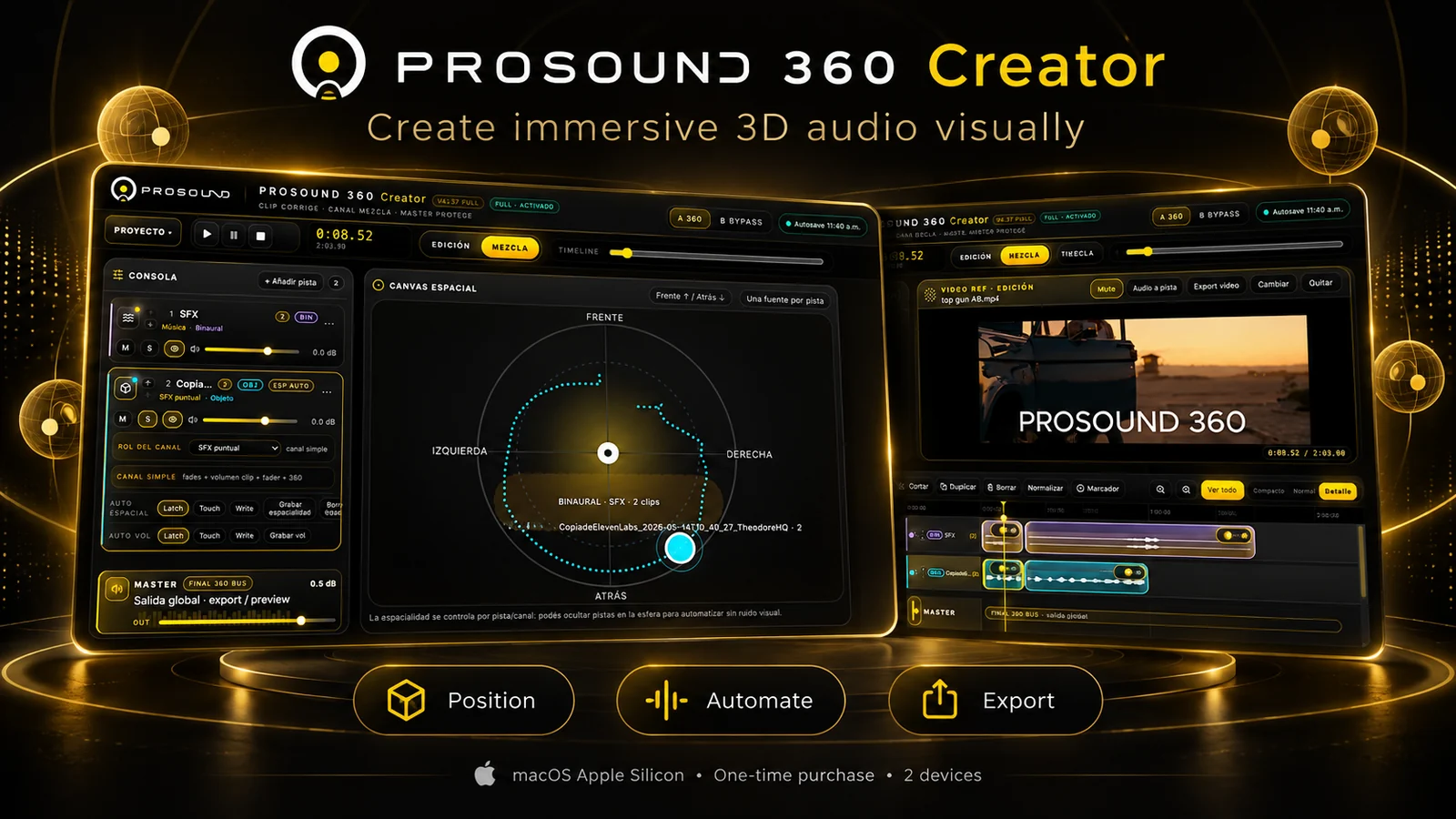
From sound file to immersive experience.
You shouldn't need to master a complex professional audio workstation just to place a sound behind a listener or match an effect to a video shot.
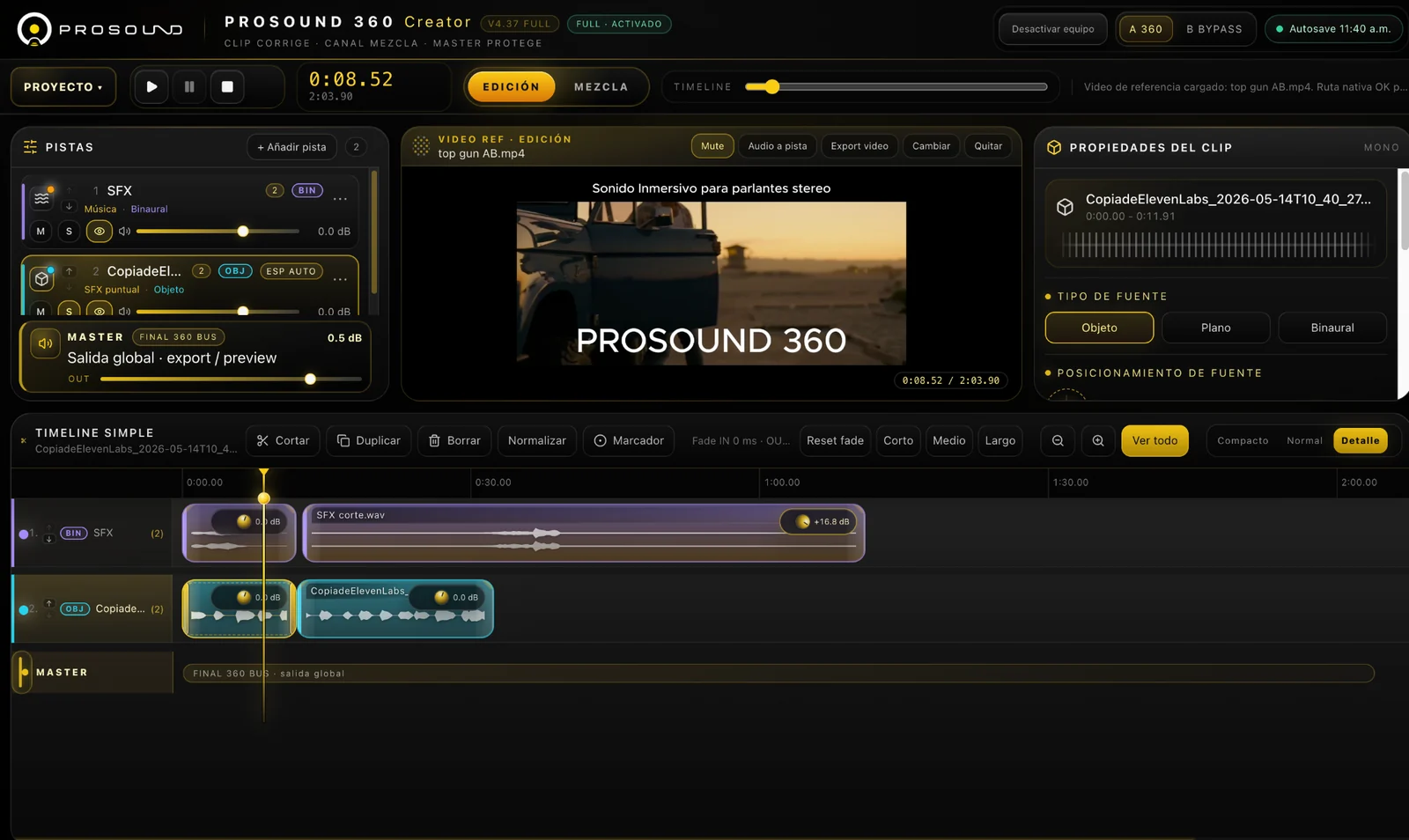
Work with sound clips on an accessible timeline. Add a reference video when you want to create sound to picture.
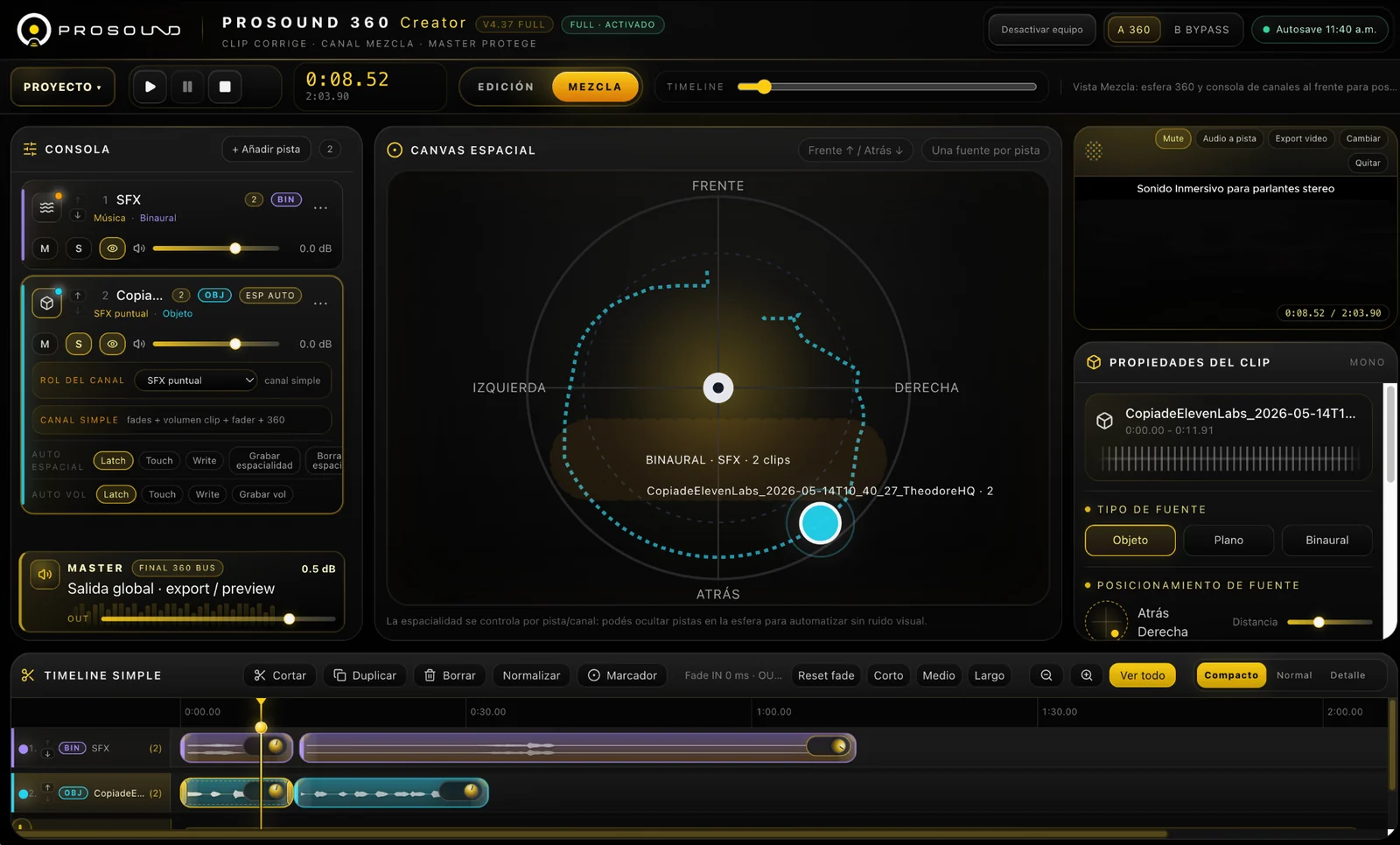
Position and automate audio sources using a visual spatial canvas instead of abstract channel routing.
Use the stereo preview workflow, refine the mix and export your result from the same workspace.
Everything you need to start moving sound.
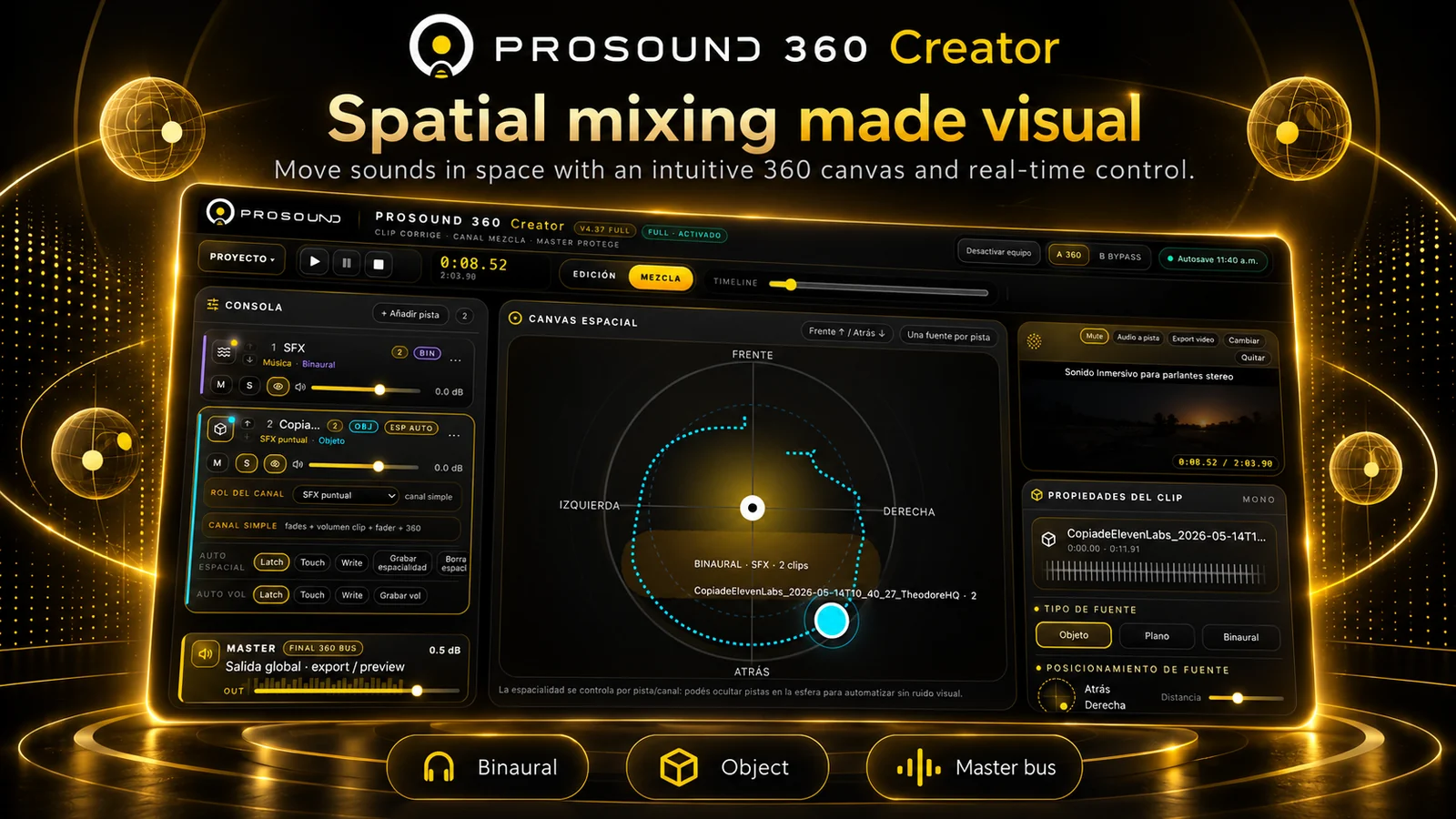
Place sound where it belongs.
Drag sound sources around a visual 360° canvas and adjust positioning and movement over time. Spatial audio becomes something you can see and shape.
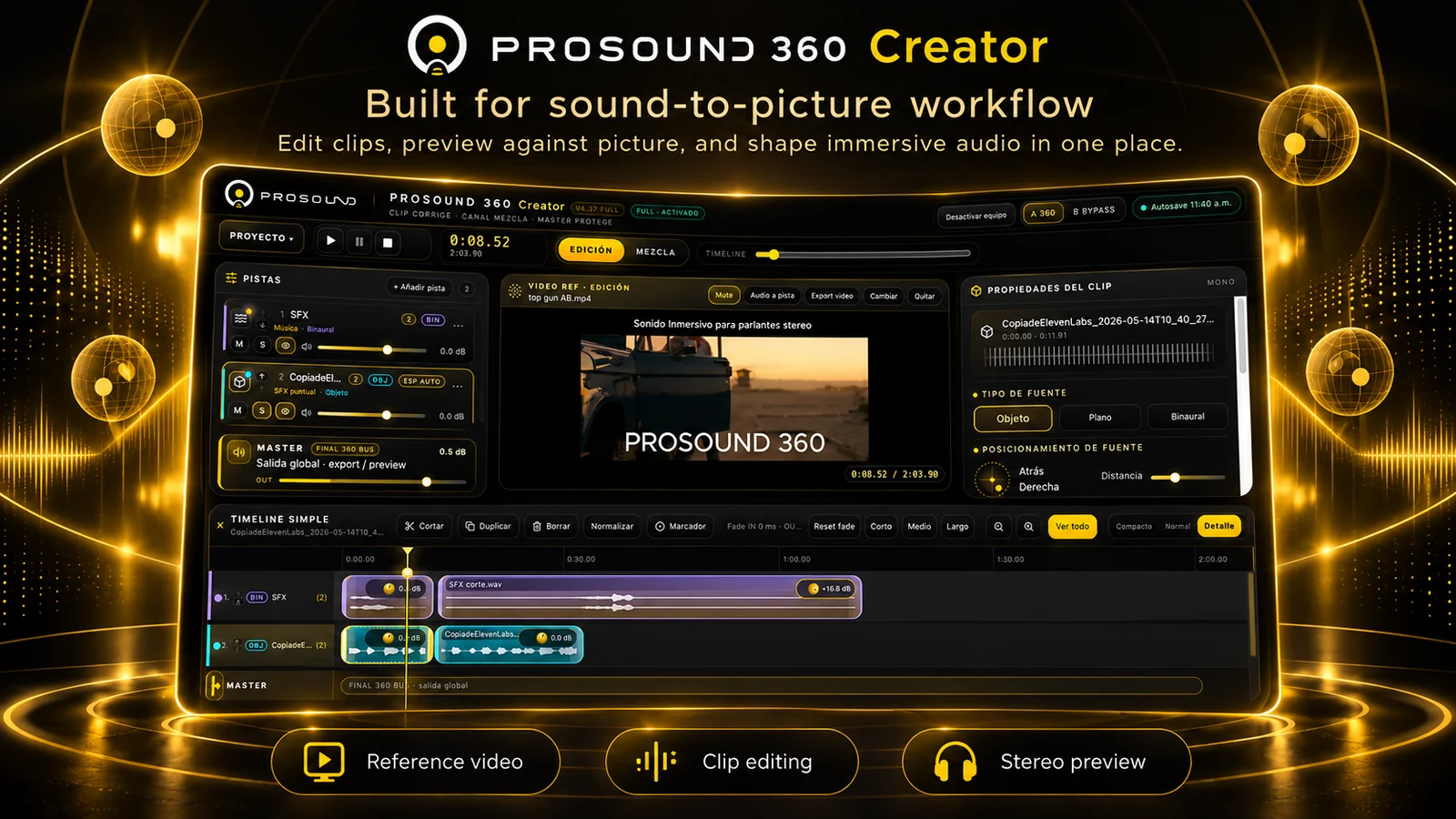
Build a soundtrack against video.
Bring video into your editing workspace and align sound effects with the picture. Adjust clips and audition your creative decisions without switching to another audio workstation.
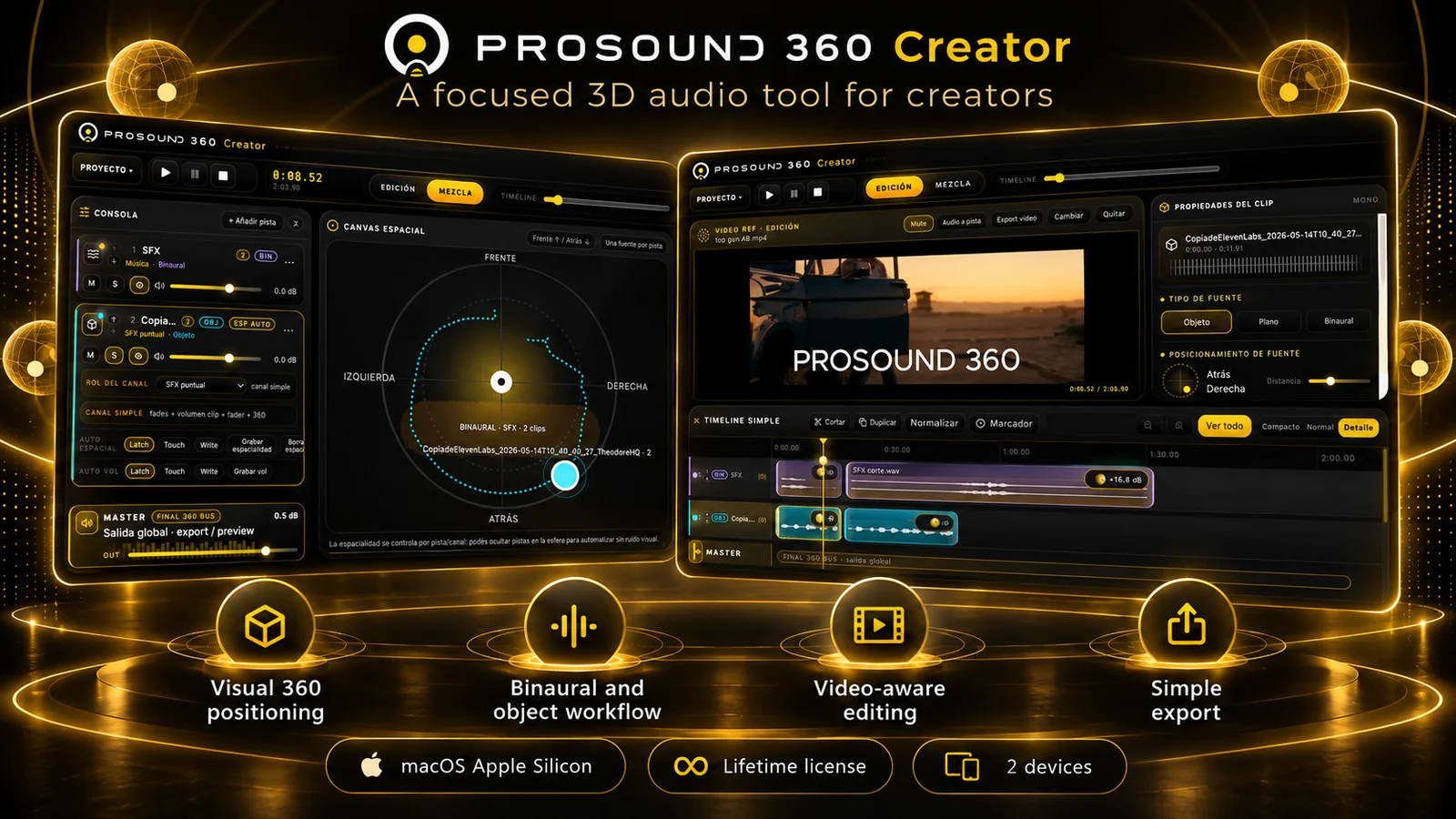
Edit. Position. Preview. Export.
Go from a clip-based timeline to spatial positioning in the same app, with approachable controls for creators who don't want a full production suite.
See the real workspace.
These images are direct screen captures of the Creator interface. The marketing illustrations above are for presentation.
Less technical setup. More creating.
See PROSOUND 360 Creator
Explore the visual editing and 360° mixing workflow in the official product video.
Clear requirements. Simple licensing.
Make your next project sound bigger than the screen.
Visual spatial editing for people who create stories, videos and immersive experiences.
Get PROSOUND 360 Creator ↗