Find it.
Search your local libraries, audition individual effects and keep useful sounds organized for the project.
Prepare your scene’s sound effects to picture.
Search and organize sounds from your own libraries with Core. Use Video Spotter to prepare cues and their timing against reference video. Continue the sound design in your DAW, with less repetitive preparation in the way.
Full includes Core + Video Spotter.
One-time purchase · one license for up to 2 compatible Macs · no subscription.
Full: macOS 13+ · Apple Silicon. Windows: Core 1.1 only.
Use your own sound libraries. Check requirements.
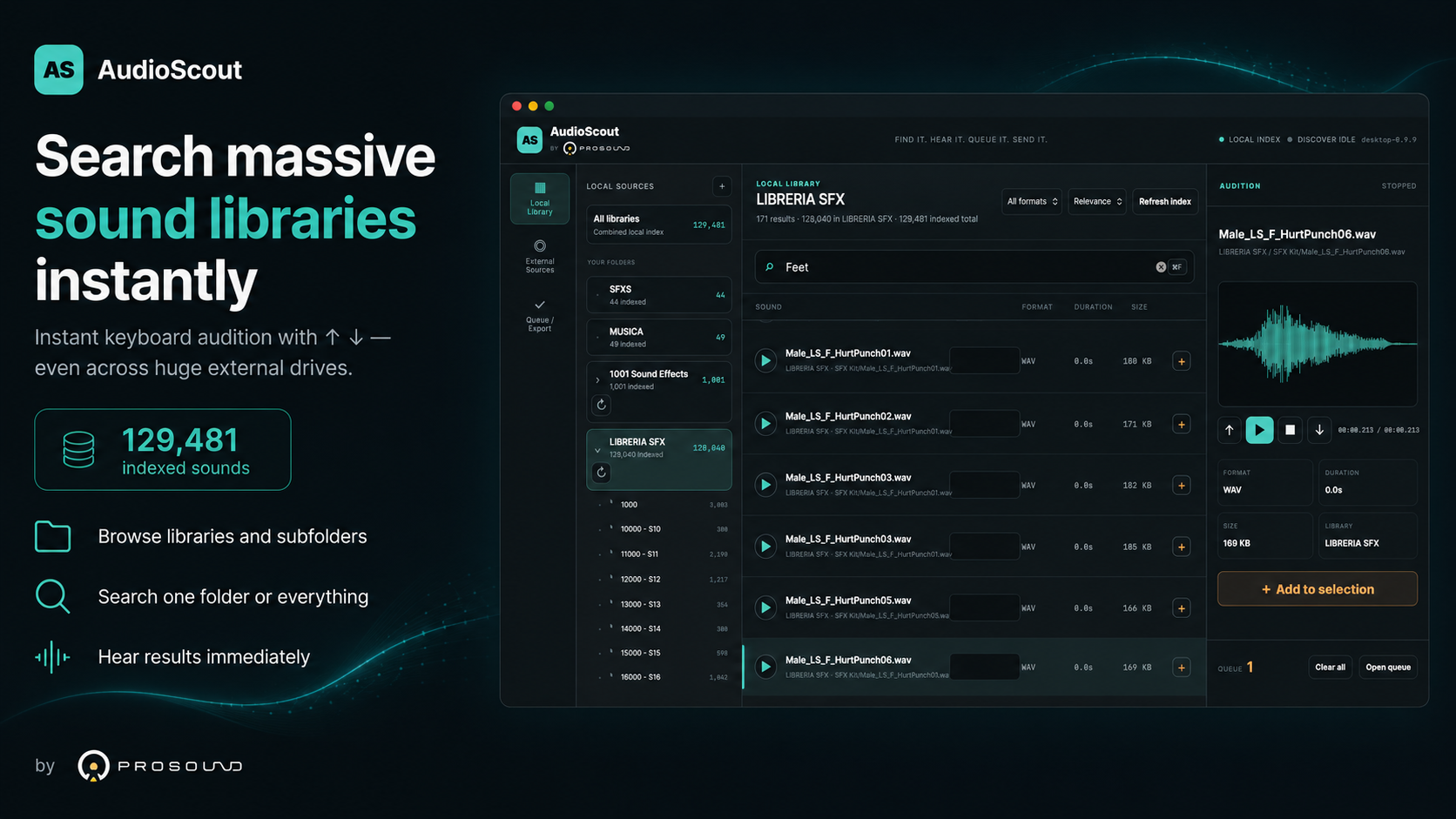
AudioScout helps organize the preparation. You decide what the scene should sound like.
Search your local libraries, audition individual effects and keep useful sounds organized for the project.
Watch your reference video, mark the moments that need effects and assign sounds to timecoded cues.
Continue through a supported delivery workflow, then refine synchronization, edit, process and mix in your DAW.
Less repetitive preparation. More time for sound design.
Choosing an effect is only part of the preparation. You also need to decide where it belongs. Video Spotter brings reference video, sound assignments and timecoded cues into the AudioScout workflow, so you can prepare those decisions together before continuing in your DAW.
Keep the sound choices and their intended timing together, instead of handling file selection and placement as disconnected tasks.
You choose the sounds and decide the cues. Detailed synchronization, processing and the final mix continue in your DAW.
Full and Video Spotter currently require a compatible Mac. The separate add-on requires an active Core 2.0 license. Core integrations and Video Spotter transfer workflows have different compatibility requirements. Check your setup before buying.
Core is a practical workspace for your local SFX libraries. Find sounds, audition results and build a selection while you search. Export it to a project folder or use a supported DAW workflow.
Find effects by filename, folder context and supported embedded metadata, on your computer or external drives.
Audition individual effects and scrub to the playback point you want to hear.
Build a Queue as you search. On macOS 2.0, organize project material with Favorites and Collections.
macOS 2.0 also includes Smart Search, Find Similar and Watch Folders. Export your selection or use supported DAW delivery.
Core is useful on its own for local search and organization. Video cue preparation is available through Full or the Video Spotter add-on. Windows remains on Core 1.1; features and integrations differ by platform.
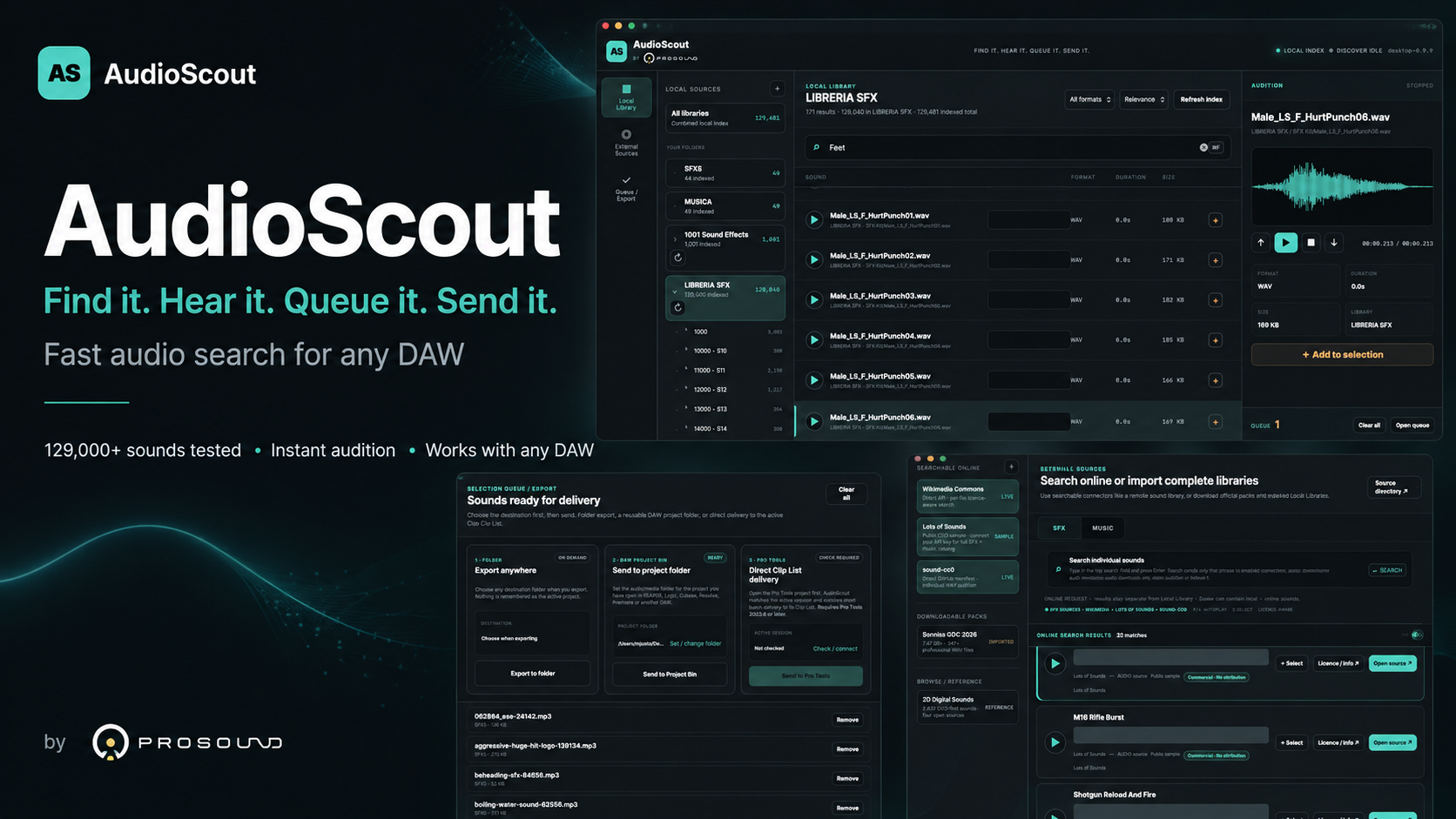
Watch local search, individual sound auditioning and Queue preparation. This earlier demonstration shows Core; some screens show a previous version. It does not demonstrate Video Spotter.
A new Core → Video Spotter → DAW demonstration will be added here when ready.
Choose Core for local SFX search and organization. Choose Full for video cue preparation as well. Already own Core 2.0 on a compatible Mac? Add Video Spotter.
Core + Video Spotter together, for professionals preparing effects to picture.
macOS 13+ · Apple Silicon
Perpetual license for up to 2 compatible Macs
A practical home for your local SFX workflow, with no need to prepare cues against video.
Mac Core 2.0 · Windows Core 1.1
Features and integrations differ by platform
Add picture and timing preparation to an existing Core 2.0 license.
macOS 13+ · Apple Silicon
Paid add-on inside AudioScout; Core required
One-time purchases · no subscription · sound libraries not included. Full and Video Spotter are currently Mac-only. Choose Core 1.1 for Windows. Applicable taxes may vary at checkout.
Availability and DAW workflows depend on your operating system, edition and configuration. Core can also search, audition and export to a folder without a supported DAW.
Core delivery and Video Spotter cue transfer are different workflows. Support for Core insertion does not automatically mean the same DAW supports every Video Spotter operation.
Check the requirements supplied with your version before choosing a destination. No integration replaces detailed synchronization, editing or mixing in your DAW.
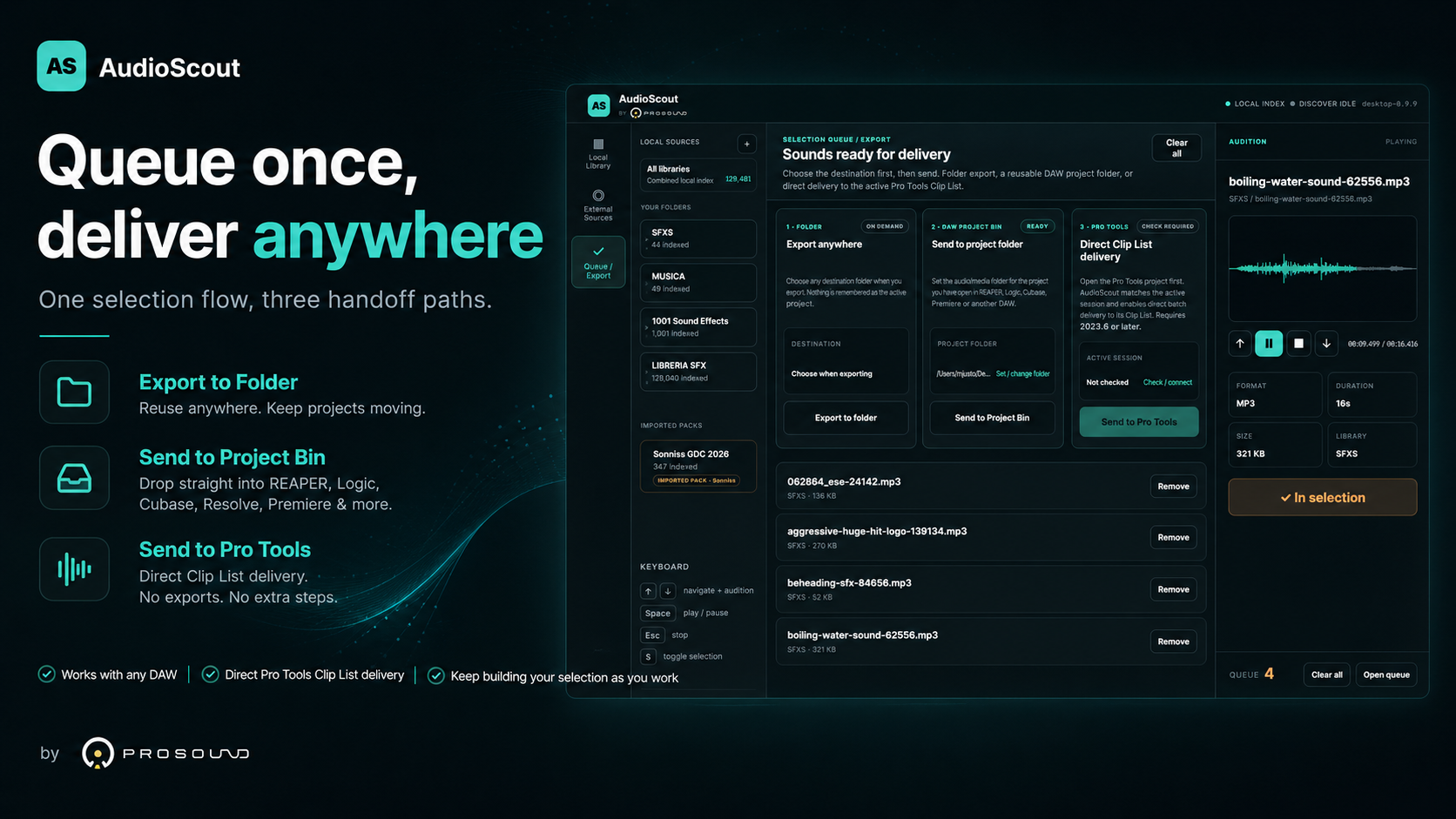
First launch on macOS: this independent release is not Apple-notarized. Follow the included Quick Start for first-launch authorization.
Core provides local SFX search, auditioning and organization. Video Spotter adds reference-video cues and timing preparation to Core. Full includes both. Existing Core 2.0 owners on a compatible Mac can buy the add-on separately.
You choose the effects and decide their timing. AudioScout helps with preparation and supported delivery workflows. Detailed synchronization, editing, processing and mixing continue in your DAW.
Yes. Search and audition your local libraries, organize your selection and export it to a folder. Direct DAW delivery is optional.
No. Use libraries you own or obtain under appropriate licenses. AudioScout provides the tools to search and prepare that material.
Full and Video Spotter currently require a compatible Apple Silicon Mac. Windows customers receive Core 1.1, with different features and integrations from the macOS 2.0 release.
No. Local search and auditioning use sound files on your computer or external drives. License activation requires internet access; optional External Sources also use online services.
An optional way to discover third-party sound sources and packs. Availability, access and sound licensing depend on each provider. The local-library workflow remains independent of those services.
Existing Core buyers can download the macOS 2.0 update through their original purchase. Video Spotter is a separate paid add-on unless included with Full. Check the instructions supplied with your order.
Bring your sound choices and their intended timing into one preparation workflow. Then give the scene your attention in the DAW.
macOS 13+ · Apple Silicon · one-time purchase · no subscription